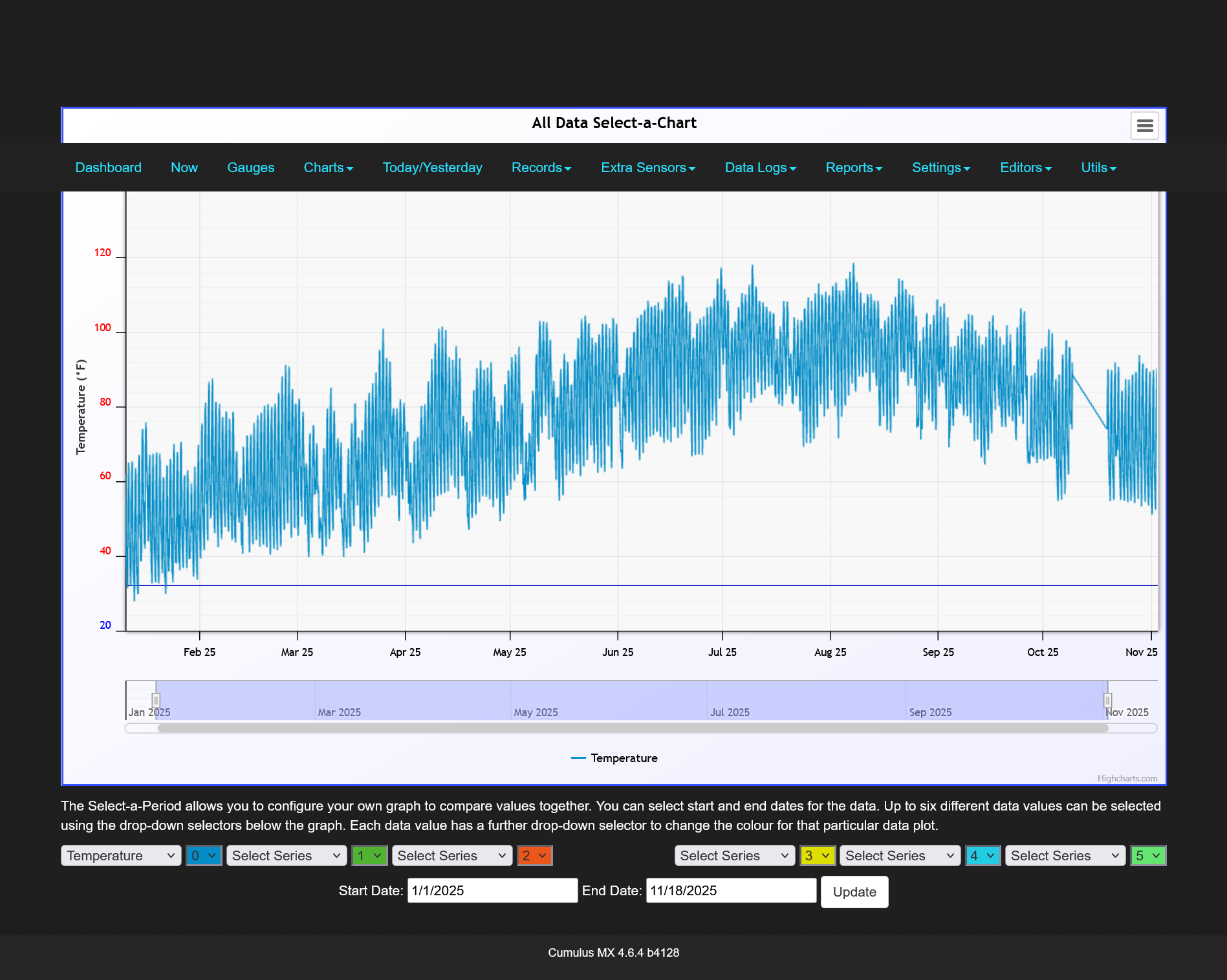
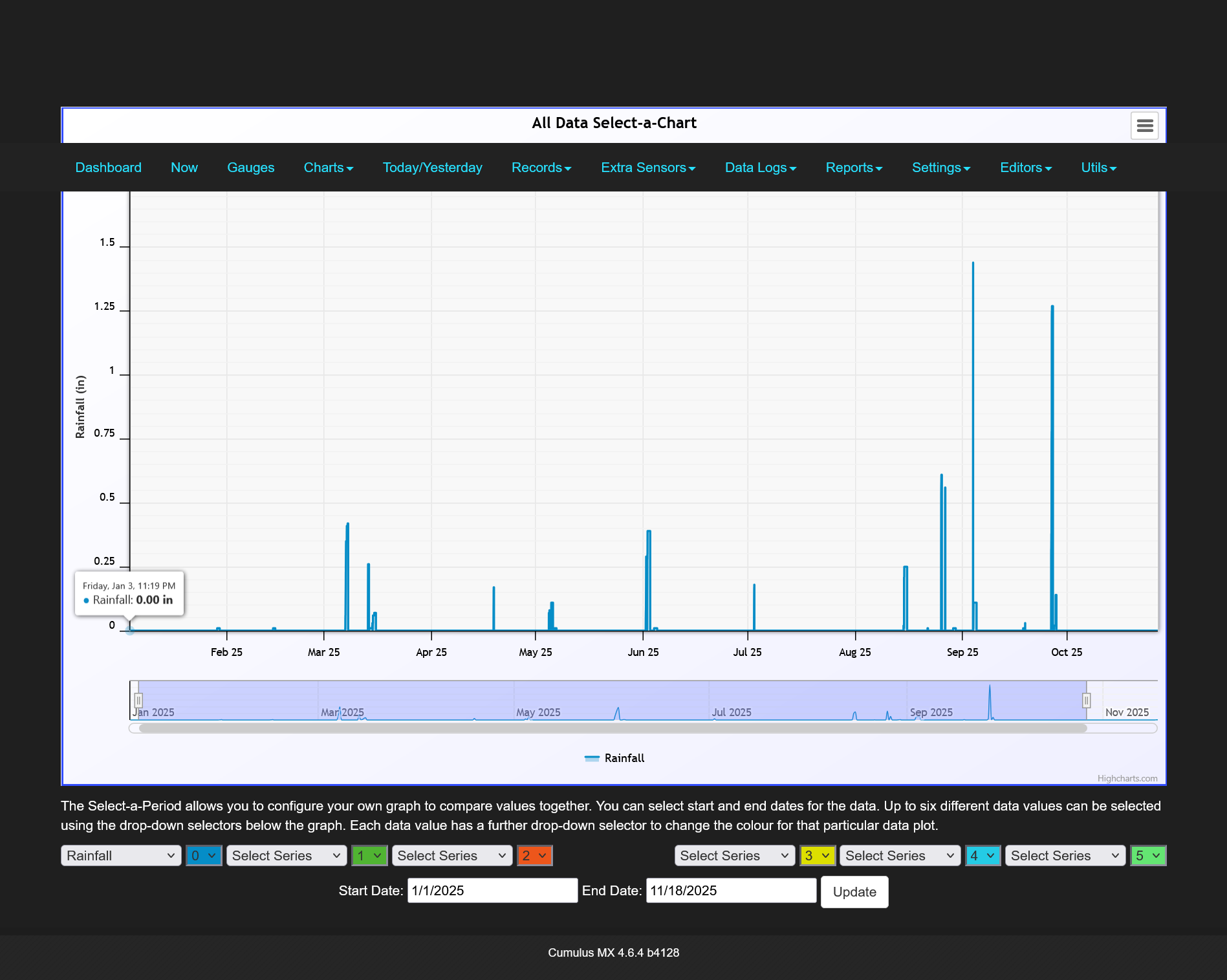
Trying to get my weather pages back up, Cactus Wren Weather pages have been down a couple years. My WiFi extender for the weather station/media computer died. I need to get a mesh router to cover the house. Now using Cumulus MX, the software downloads the weather from my Davis Vantage Pro weather station. Also having ftp issues with my hosting company Ionos I am not happy with them.
I had Weather Display before but the software kept freezing up so I switched to Cumulus MX but have not gotten it to upload. About the same time I had switched from Blue Host to Ionos and started having ftp problems.
I am near 38th Ave and Hatcher Rd, Phoenix, AZ 85051
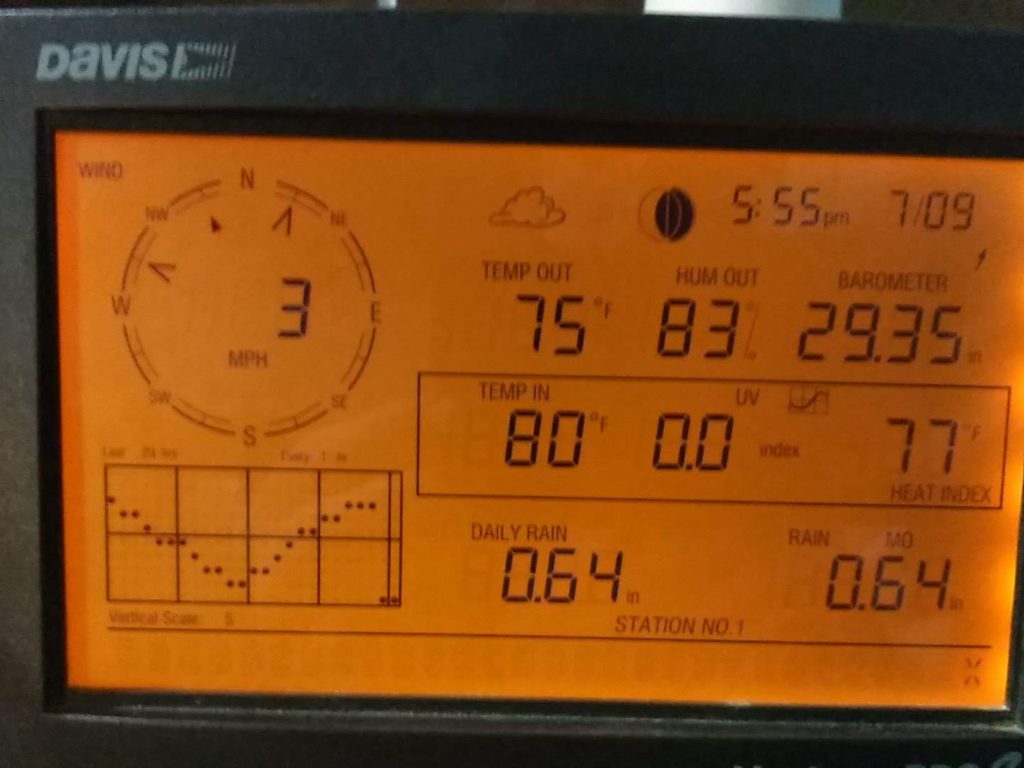
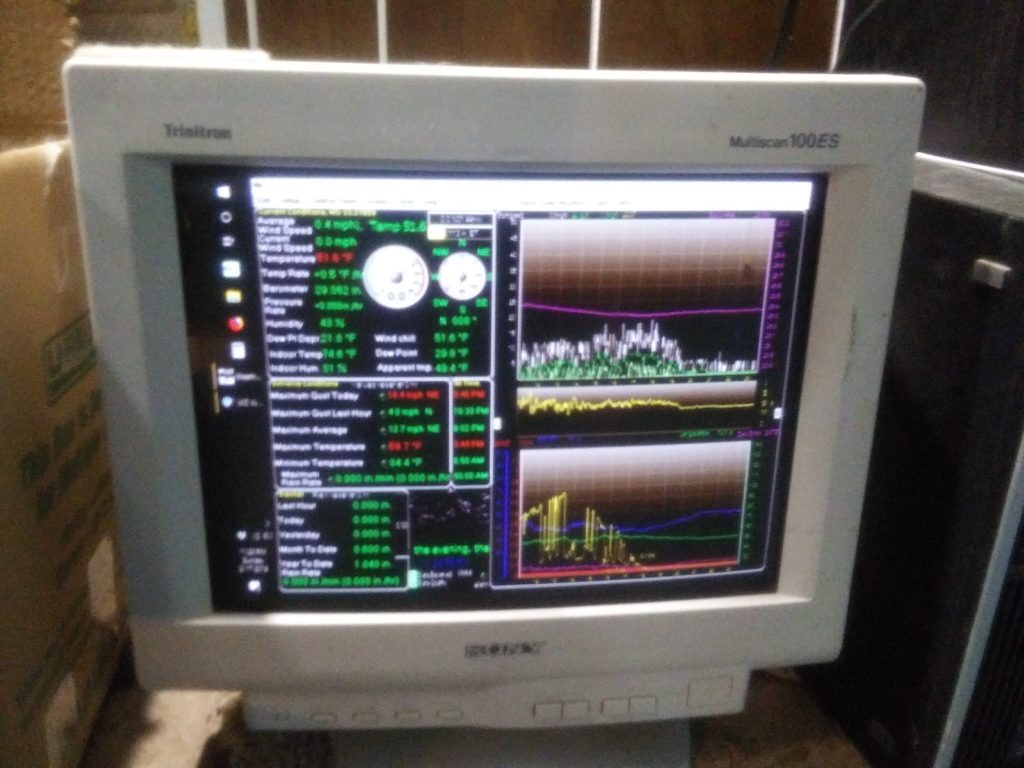
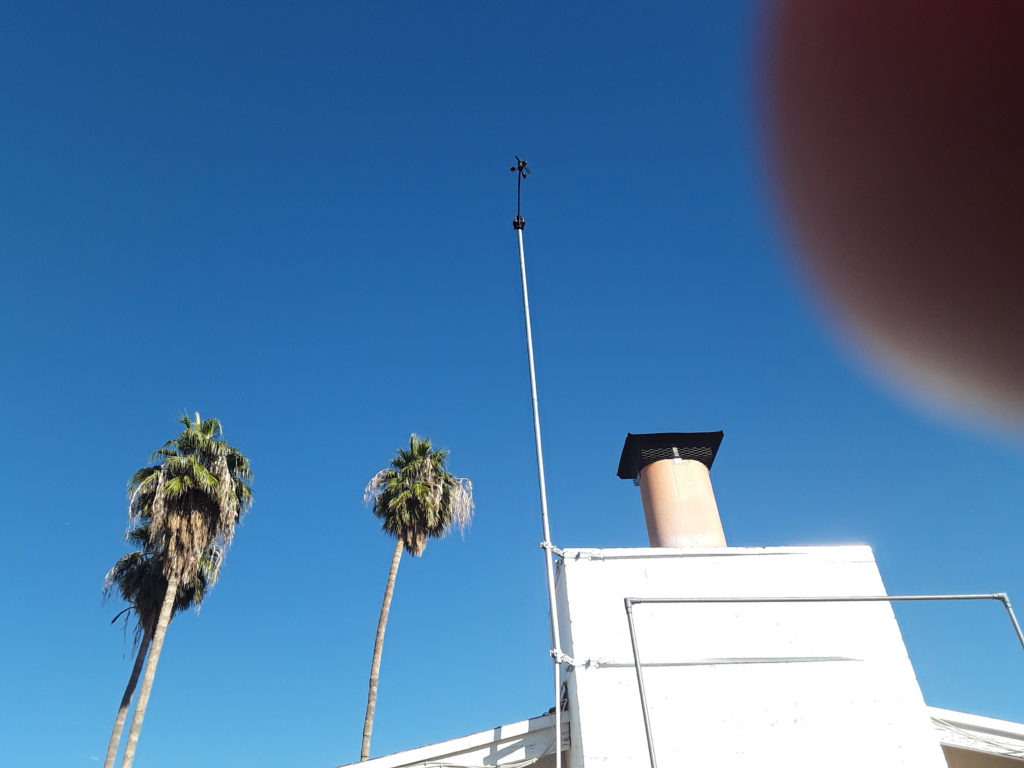
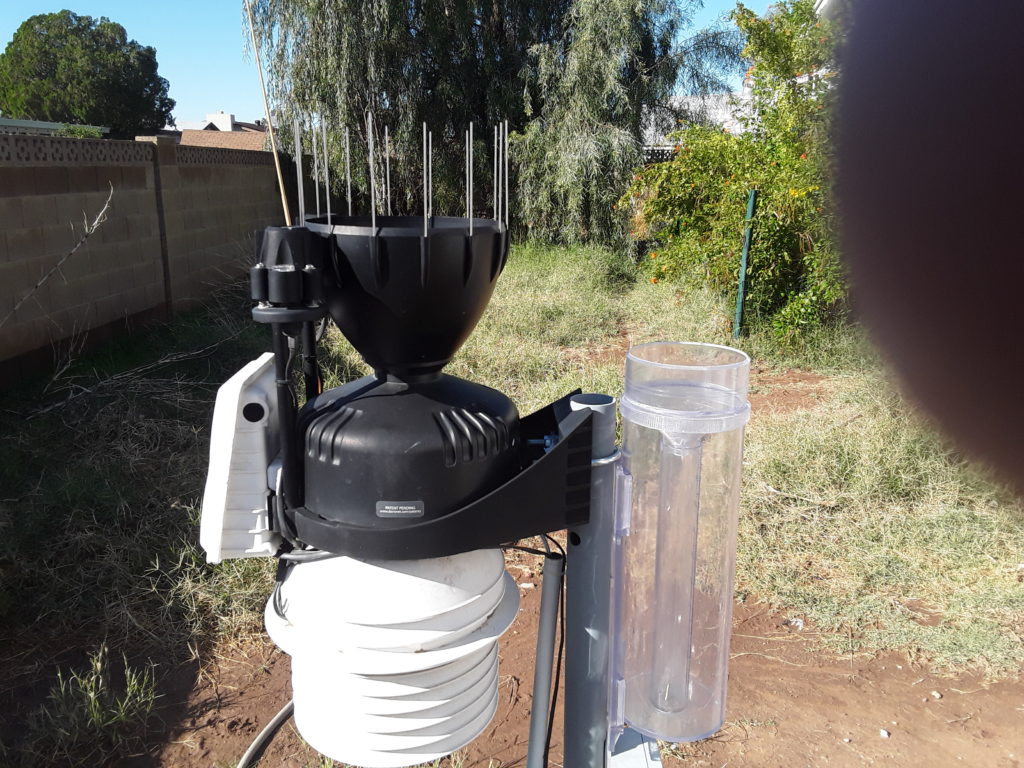
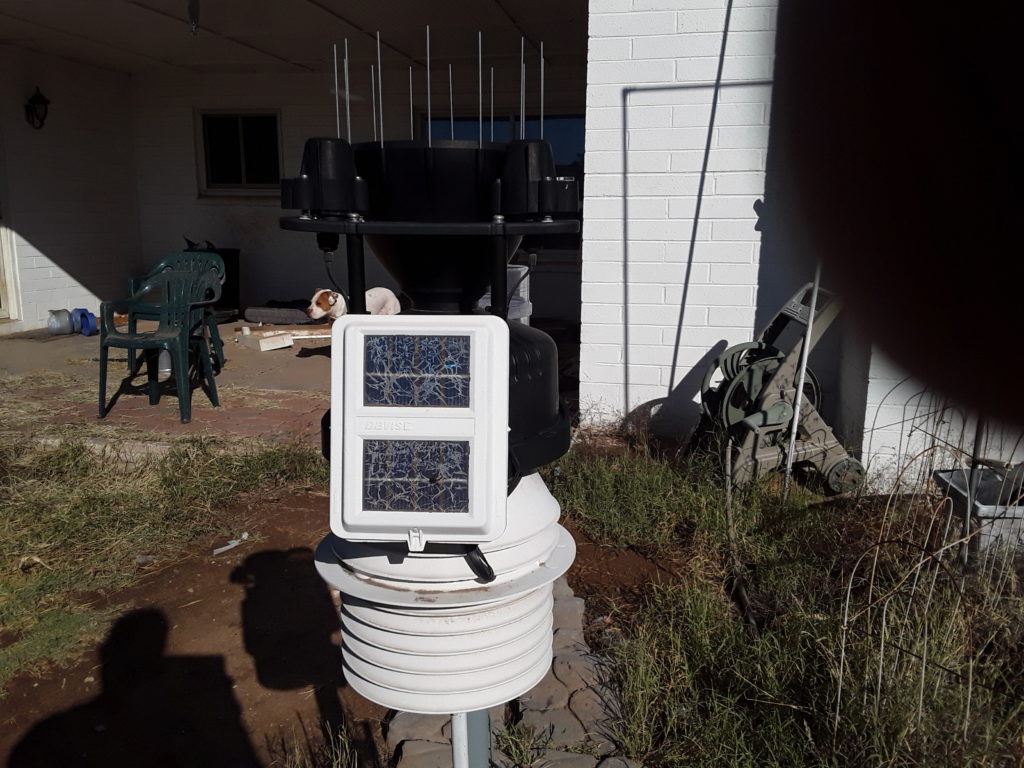
Photos of the weather station, been meaning to put them up for a while. Lost the photos when the site moved so had to update it. Davis Vantage Pro2 which has been calibrated by Davis, the baromter was drifting. Solar powered temperature heat shield, Solar and UV sensors, rain gauge has been updated with the new version with bird wires. CoCoRaHS – Community Collaborative Rain, Hail & Snow Network rain gauge on back of station. Cement paver path so I can get to the gauge with out walking in the mud. Weather Display software Weather Display v10.37S b102
davis console
Weather Disply on computer
Davis Vantage console attached to a win10 computer running Weather DisplayYou can sort of see the pavers behind the station, keep getting a invalid json error trying to upload the paver error.. My dog in the background on the patio, blurry thing in the right corner is my finger. Photos taken with my galaxy tablet.
Contains custom information set by the web developer via the _setCustomVar method in Google Analytics. This cookie is updated every time new data is sent to the Google Analytics server.
2 years after last activity
__utmx
Used to determine whether a user is included in an A / B or Multivariate test.
18 months
_ga
ID used to identify users
2 years
_gali
Used by Google Analytics to determine which links on a page are being clicked
30 seconds
_ga_
ID used to identify users
2 years
_gid
ID used to identify users for 24 hours after last activity
24 hours
_gat
Used to monitor number of Google Analytics server requests when using Google Tag Manager
1 minute
_gac_
Contains information related to marketing campaigns of the user. These are shared with Google AdWords / Google Ads when the Google Ads and Google Analytics accounts are linked together.
90 days
__utma
ID used to identify users and sessions
2 years after last activity
__utmt
Used to monitor number of Google Analytics server requests
10 minutes
__utmb
Used to distinguish new sessions and visits. This cookie is set when the GA.js javascript library is loaded and there is no existing __utmb cookie. The cookie is updated every time data is sent to the Google Analytics server.
30 minutes after last activity
__utmc
Used only with old Urchin versions of Google Analytics and not with GA.js. Was used to distinguish between new sessions and visits at the end of a session.
End of session (browser)
__utmz
Contains information about the traffic source or campaign that directed user to the website. The cookie is set when the GA.js javascript is loaded and updated when data is sent to the Google Anaytics server